The True Engine of Your SMM Business
Key Takeaways
- APIs allow your retail storefront to instantly communicate with massive wholesale server farms.
- You can fully integrate a new provider into your panel in under 60 seconds.
- Enabling the Auto-Sync feature ensures your retail catalog perfectly matches your supplier's inventory.
The absolute beauty of utilizing a rental panel is that you do not have to deliver the actual digital services yourself. You connect to wholesale providers via an API, and their massive server farms do the heavy lifting.
Mastering this API integration process is the strict secret to running a completely hands-off, automated business.
Step-by-Step API Setup
Resellers who automate their APIs can process far more daily orders than anyone processing orders by hand. Connecting an API in our platform takes less than 60 seconds.
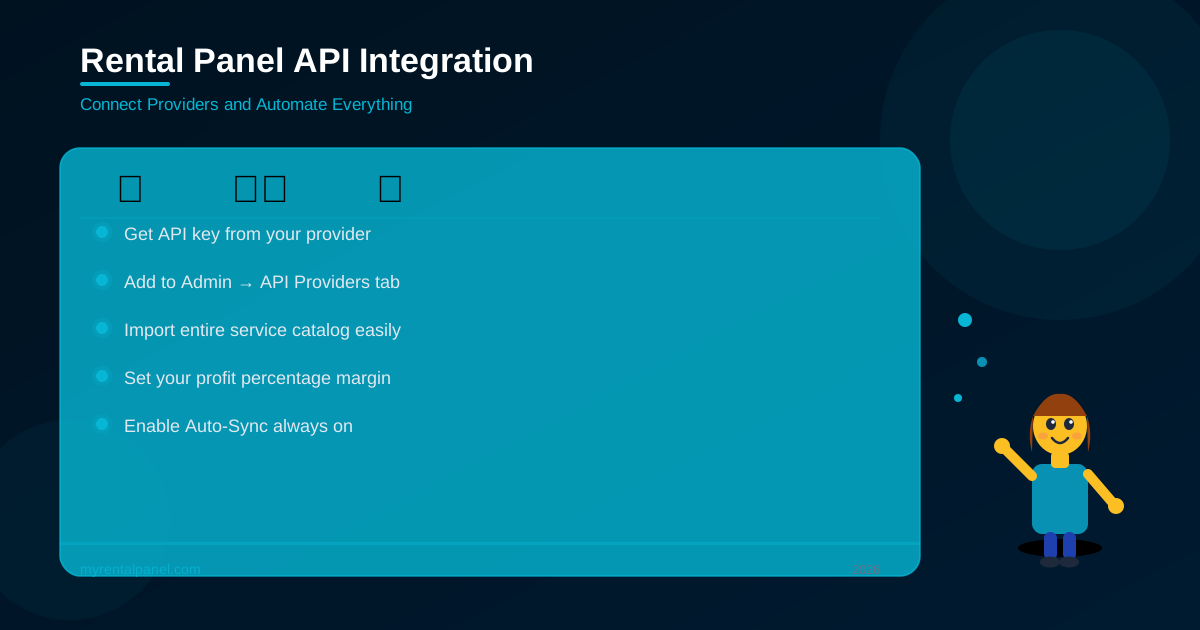
- Get Your Key: Sign up on your chosen wholesale provider's panel and generate your unique API key securely in their settings menu.
- Add to Your Panel: Navigate to your Admin Dashboard and click API Providers. Paste the wholesale URL and your unique API key.
- Fetch Services: Click the Import Services button. Your panel will securely communicate with the provider and download their entire active catalog.
- Set Your Margin: Choose a markup percentage. If a service costs one dollar from the provider, it will automatically be listed for two dollars on your website.
Enable Auto-Sync
Always enable the API Sync feature immediately. Wholesale providers frequently change their prices or disable broken services without warning. Auto-sync ensures your panel perfectly mirrors your provider's active catalog, meaning you will never accidentally sell a discontinued service to a paying customer.
Summary
By properly configuring your APIs and enabling synchronization, you transform your website into a fully automated digital vending machine. The software handles the transactions, leaving you free to focus on aggressive marketing.