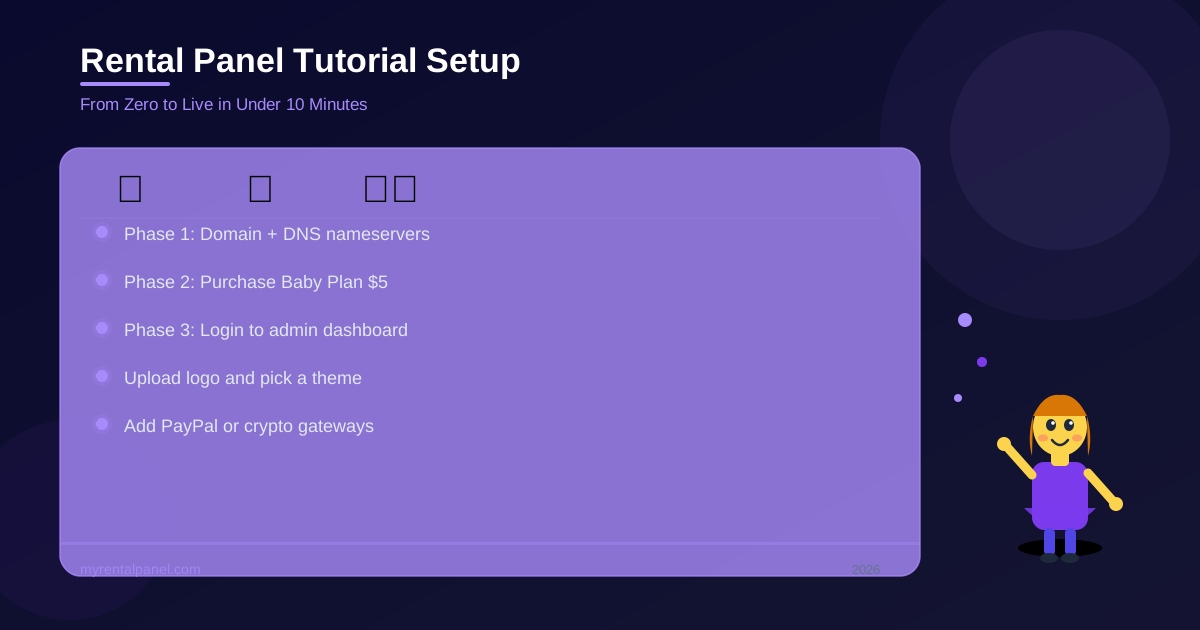
From Zero to Live in 10 Minutes
Key Takeaways
- A modern SaaS panel can be deployed and fully functional in under ten minutes.
- Pointing your DNS nameservers correctly is the most critical first step.
- Configuring a variety of local and international payment gateways maximizes your global conversion rate.
Setting up your new digital reselling business is designed to be incredibly intuitive, but if it is your very first time, it helps to have a clear roadmap.
Having guided thousands of new users through this exact process, here is the precise technical blueprint you need to get your panel live and accepting real orders today.
Phase 1: Domain Configuration
Before you subscribe to any software, you need a web address. Go to a registrar like Namecheap or GoDaddy and buy a professional domain. Once purchased, look for the DNS Management tab in their dashboard. Change the default nameservers to the specific ones provided by our platform. This connects your domain to our LiteSpeed servers.
Phase 2: Purchase and Installation
Head directly to our client area, choose the affordable Baby Panel plan, and enter your new domain name at checkout. Our highly automated server system will install the panel software onto your domain instantly without any manual coding.
Phase 3: The Admin Setup
A clean, professional dark-mode theme tends to convert better with B2B buyers, who expect a modern-looking dashboard. Here is how to configure your look.
- Login: Go to your domain followed by /admin and login securely.
- Branding: Navigate to the Appearance tab. Upload your high-resolution logo and choose one of our 25 premium, mobile-ready themes.
- Payments: Go to Payment Gateways. Enter your PayPal email, Stripe keys, or crypto wallet addresses so global customers can add funds easily.
Summary
That is literally it. By following these three simple phases, you now possess a fully functional, highly secure eCommerce machine perfectly ready to process digital services automatically.