Taking Your SMM Business to the Next Level
Key Takeaways
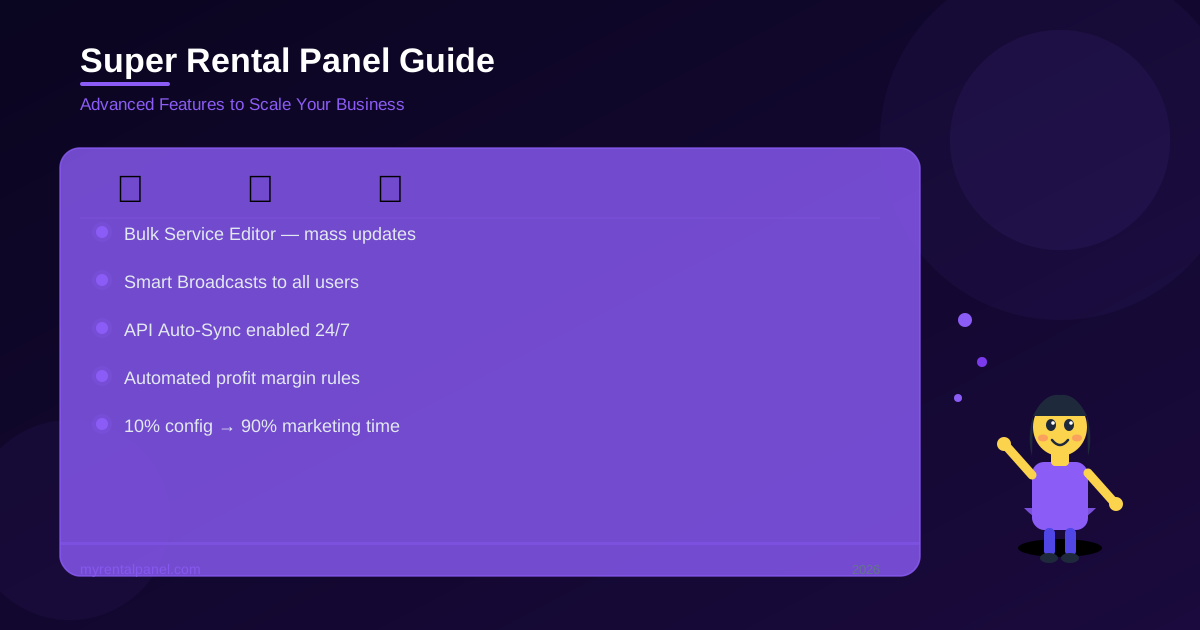
- Advanced resellers utilize Bulk Editors to update hundreds of API service prices simultaneously.
- Smart Broadcast tools allow owners to communicate flash sales and API delays directly to users.
- Automated API syncing prevents customers from accidentally ordering discontinued or broken services.
Most beginners start their reselling journey with a very basic setup. They connect one API provider, set a flat 50% profit margin across all services, and wait hoping for orders to arrive.
However, if you want to aggressively scale your agency to thousands of dollars a month in recurring revenue, you need to utilize the advanced features of your software. You need to operate a true Super Panel.
Advanced Features You Should Be Utilizing
Industry data indicates that panel owners who utilize bulk automation tools save an average of 14 hours per week on administrative tasks. My Rental Panel is packed with advanced tools that most casual users ignore entirely. Here is exactly how to use them to crush your competition.
1. The Bulk Service Editor
When your main wholesale provider updates their entire catalog, do not waste hours updating your retail prices one by one manually. Use the built-in Bulk Editor to adjust profit margins across hundreds of services instantly by a simple percentage.
2. Smart User Broadcasts
Clear communication is the key to customer retention. Use the built-in broadcast system to immediately notify all your registered users about exciting flash sales, new fast services, or unexpected API delays. Keeping them informed ensures they do not open angry support tickets.
3. Real-Time API Sync
Always turn on the auto-sync feature. If your wholesale provider disables a broken service on their end, your panel will automatically disable it on your public website too. This prevents your customers from ordering dead services and demanding refunds.
Summary
Once you truly master these automation tools, you are no longer just running a basic website. You are running a highly automated marketing machine. Spend 10% of your time configuring the panel settings, and dedicate 90% of your valuable time to finding new paying customers.